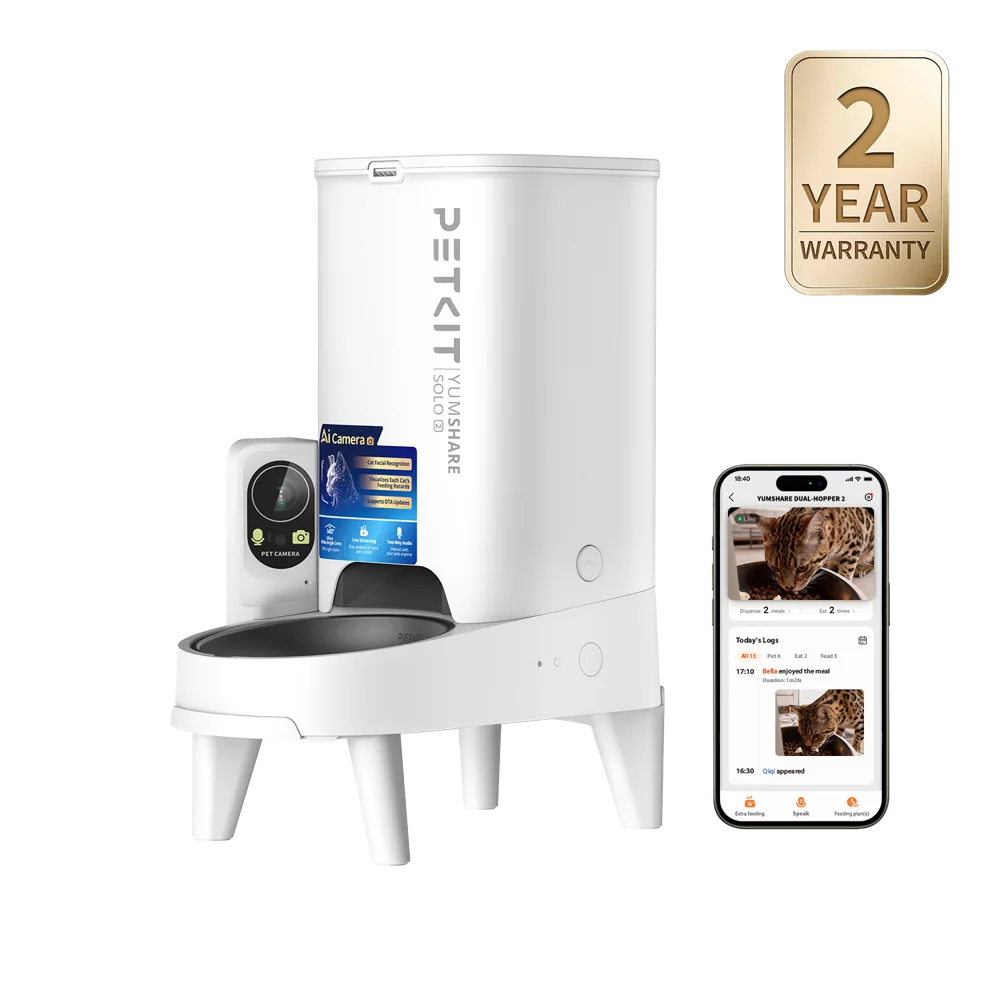
Identify the complete connection path
Find out whether the device connects directly to a router, needs a separate hub or relies on a particular phone connection during setup. Confirm supported wireless bands, app availability in your region and operating-system requirements. A product with local buttons can still use an account for remote functions. Check which features work locally and which require the vendor’s service.
Read permissions in context
During setup, compare each request with the feature you are enabling. A phone may require a nearby-device or location permission to discover hardware, while a camera feature may ask for microphone access. Read the vendor’s explanation and your phone’s controls rather than granting every permission automatically. Review optional permissions again after setup and check whether limiting them affects essential functions.
Share access deliberately
Use a distinct password and additional account protection where offered. Give a caregiver the appropriate device-sharing role instead of sharing your primary login when the app supports roles. Check whether that person can change schedules, view recordings or invite others. Remove access when it is no longer needed, and follow the manufacturer’s unlinking and reset procedure before selling or giving away the device.
Prepare for service changes
Save the current manual and a record of essential settings outside the app. Understand subscription terms, data deletion and support contacts. Decide how you will feed or provide litter access if the app, hub or cloud service is unavailable. Connected reports can support observation, but a device account is not a veterinary record and its charts should not be treated as a diagnosis.
Research scope
This is editorial research from published sources, not a hands-on test. Manufacturer claims and general guidance do not guarantee results for every cat. Check the current manual for your exact model and region.
Sources and further reading
- Sure Petcare — Publication and operating guidance
- PETLIBRO — Publication and operating guidance
Let's talk about it
Community comments are personal experiences. Purchase and product use have not been verified.
Comments empty
Sign in to join the conversation.
Sign in